
Use our Sandbox to try out test payments
Sandbox Mode
UPayments provides you with a Sandbox mode that enables you to try out your integration.
Sandbox Mode facilitates integration testing without initiating real charges or payments. It serves as a testing environment that mimics the creation of genuine objects, eliminating the potential impact on actual transactions or the transfer of real funds
Test API Keys (Bearer Token)
- Non-whitelabeled API: NWty8gdjt79cf756hdtyu6u8jht5ns6gfhgy8hdjL
(or)
- Whitelabeled API: Wty6udt79cf75fba327ff718jht5ns6gfgst7hsy6T
Your API Key is either Non whitelabel or Whitelabel. Both features cannot be used simultaneously with the same API Key
HMAC Secret KeyFor generating the HMAC Signature, use the HMAC Secret Key as explained here
Secret Key: sk_test_01a0a4b450b4c4738b586d7f33134d44
Quick Test Video
Test sending POST requests from UPayments Developers Documentation directly.
Postman Test Video
Postman is an API platform for building and using APIs.
You can test sending POST requests from Postman.
Try it yourself from Postman
To get started with test payments (from Postman), follow the steps below
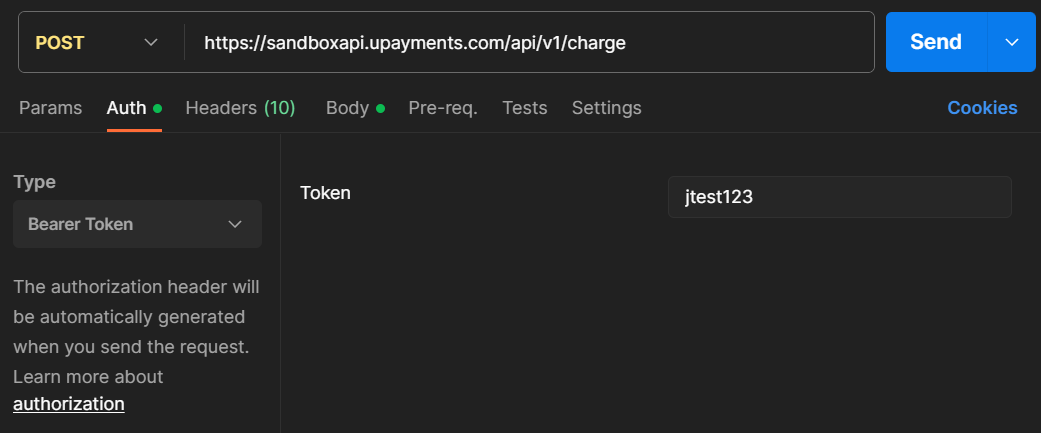
Endpoint to create a payment request: https://sandboxapi.upayments.com/api/v1/charge
- In the Header, add Accept: application/json
- Go to Authorization -> Pass the API Token in 'Bearer Token'
Test API Keys (Bearer Token)
- Non-whitelabeled API: NWty8gdjt79cf756hdtyu6u8jht5ns6gfhgy8hdjL
(or)
- Whitelabeled API: Wty6udt79cf75fba327ff718jht5ns6gfgst7hsy6T
Your API Key is either Non whitelabel or Whitelabel. Both features cannot be used simultaneously with the same API Key
HMAC Secret KeyFor generating the HMAC Signature, use the HMAC Secret Key as explained here
Secret Key: sk_test_01a0a4b450b4c4738b586d7f33134d44
- In the Body, copy and paste the sample code from 'Create a payment request' page using the copy icon. If the sample code works fine, replace the it with your own code or request to generate a new payment request.
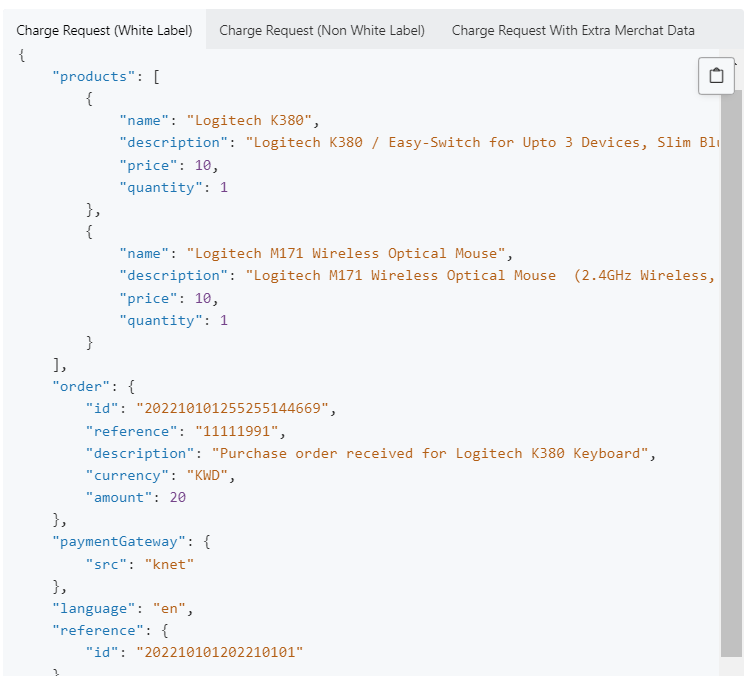
If the sample code works fine, replace the it with your own code or request to generate a new payment request.
Production API KeysContact [email protected] or +965 1809888 for the Production API keys (Bearer Token),
Passing Non Whitelabel API Token
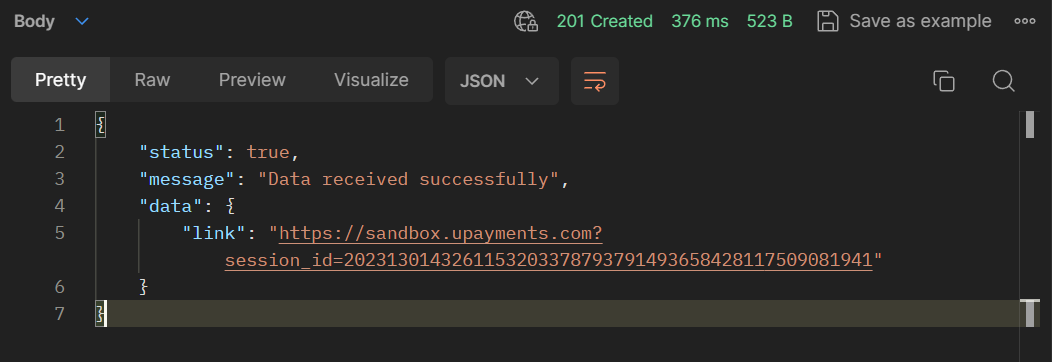
Response
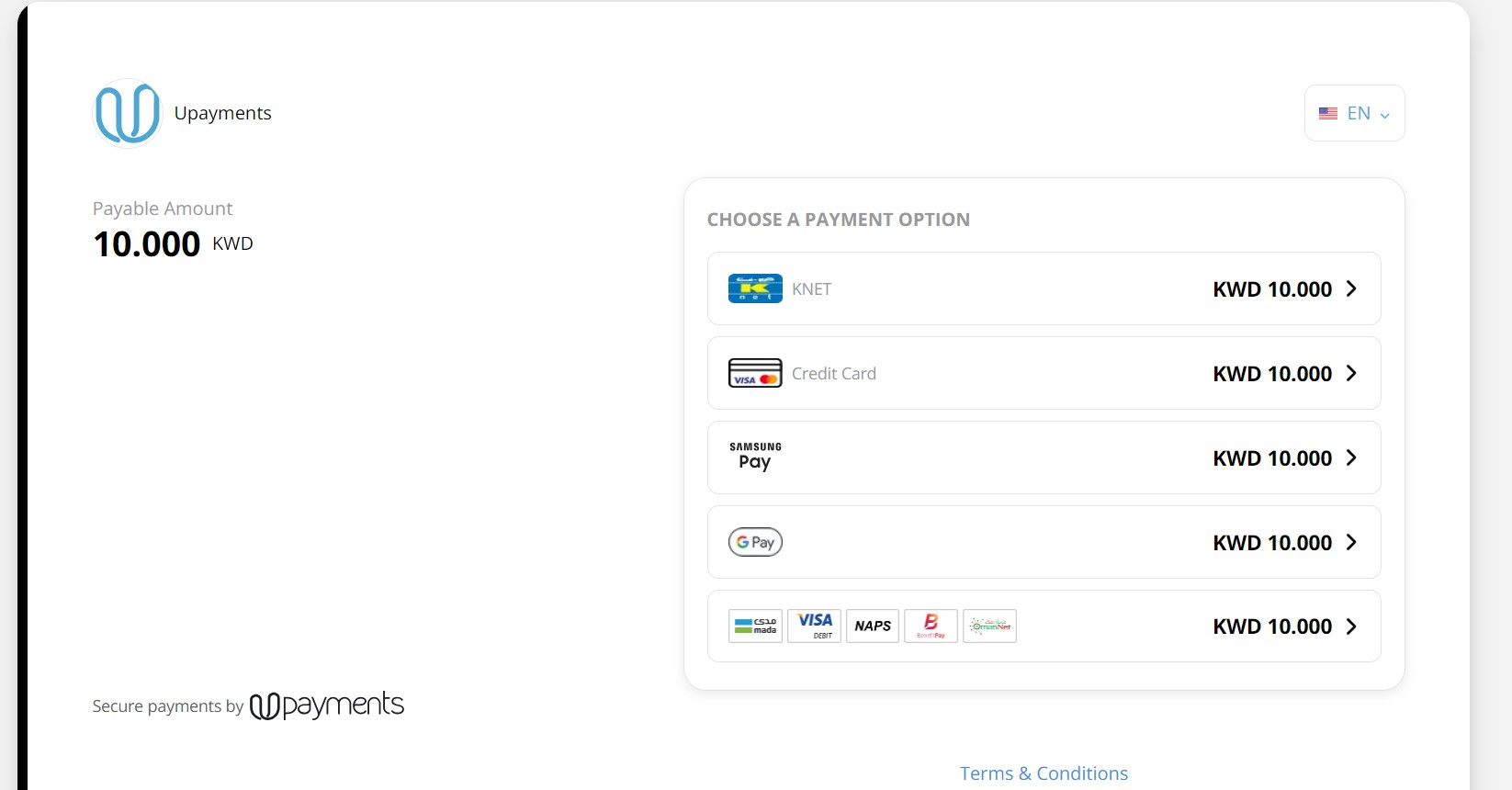
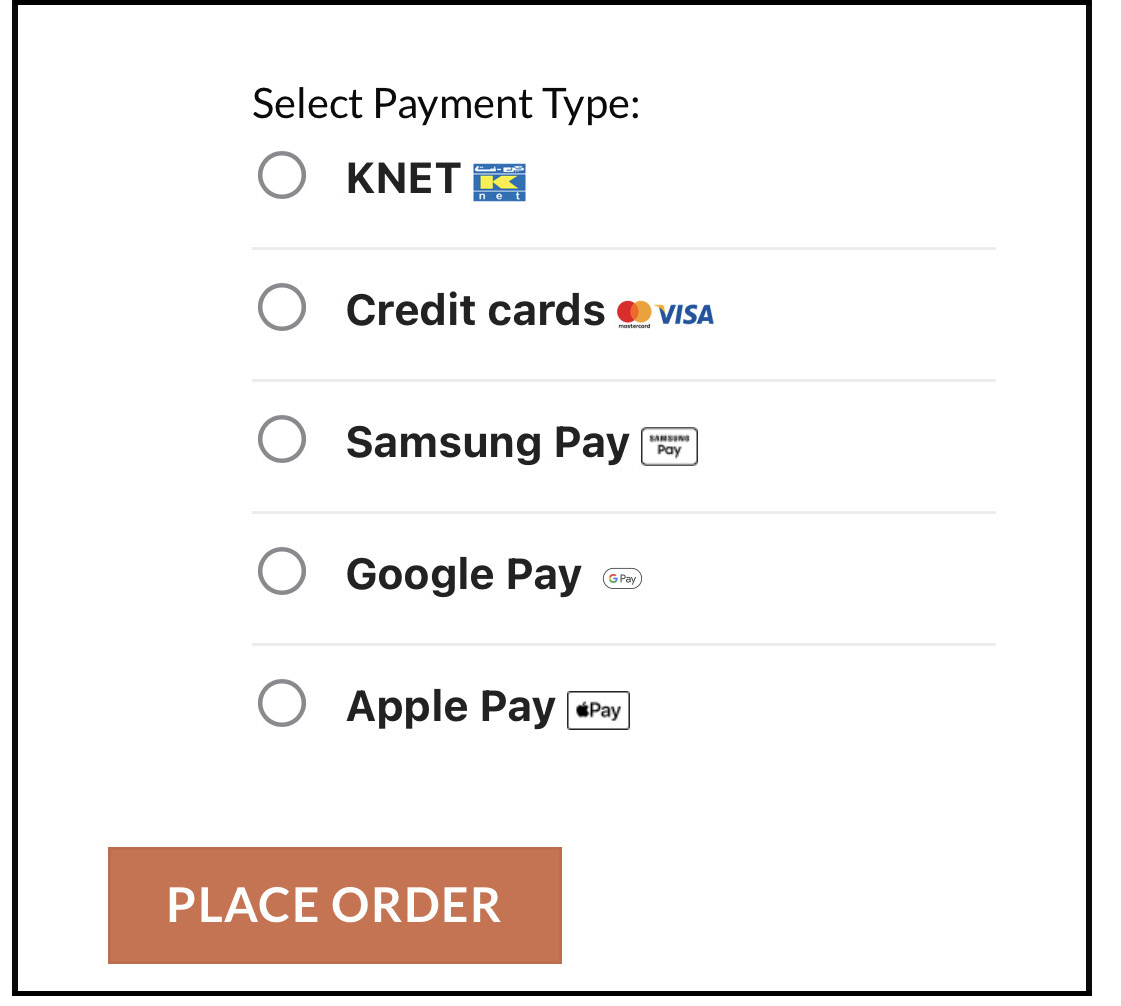
Non-whitelabel API page shows the below page with all enabled Payment Methods
Whitelabele API

Response

Whitelabeled API allows you to host the payment methods of your choice on your own checkout page.
How to use Test cards
Test Cards will work only with Test API credentials and will not work with Production API credentials.
Test transactions can be made using the Test Cards found at this link
NoteTest cards are compatible exclusively with KNET and Credit Cards and are not supported by Apple Pay, Samsung Pay, or Google Pay.
To verify your integration, simulate transactions in test mode using specific values without any real transactions before moving to Production.
Further enquiries:In case of any further technical queries, email us at [email protected]