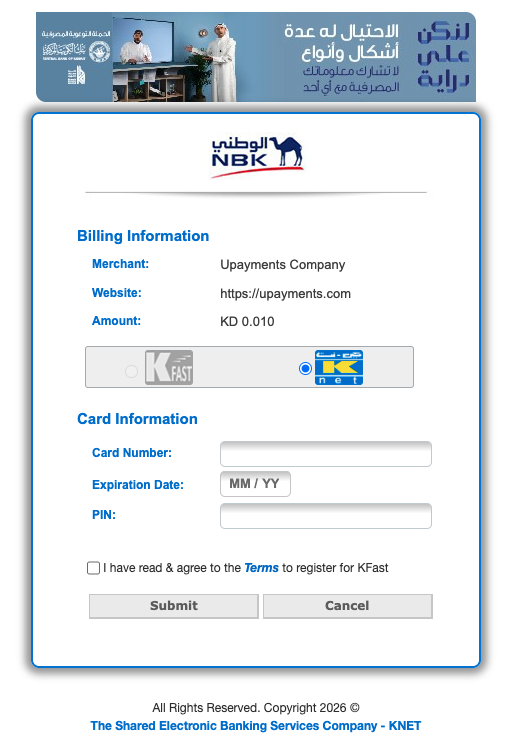
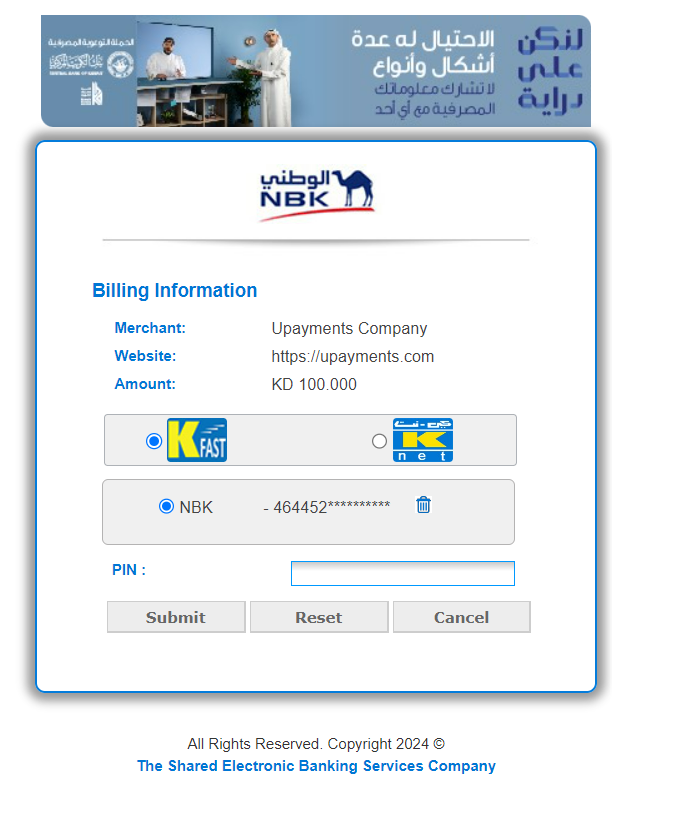
KFAST is an integration powered by the KNET Payment Gateway that allows customers to save their card details for future purchases—eliminating the need to re-enter information at checkout.
This feature enables a faster, more convenient, and secure payment experience for returning customers.
NoteCards saved via KFAST are securely managed by KNET, not UPayments.
KFAST guidelines
- The UDF3 field (customer unique token) must contain a unique 8-digit numeric token for each customer.
- Ensure that the same token is passed in future requests to retrieve saved card details.
- Confirm that you are passing only numeric values without any special characters or spaces.
- Before testing KFast retrieval, ensure you have successfully completed a Captured transaction with KFast enabled.
- You must check the Terms and Conditions box and completed OTP verification during the first transaction.
- If the first transaction was not captured, KFast will not store the card details.
🔑 Key Benefits of KFAST
-
Faster Checkout
Returning customers can complete transactions without re-entering card details. -
Enhanced Security
Card information is stored and handled exclusively on KNET’s secure infrastructure. -
Wide Acceptance
KFAST is supported by a large number of merchants across Kuwait, both online and offline.
🛠️ How to Enable KFAST
Follow these simple steps to implement the KFAST Save Card feature in your integration:
-
Create a customer token
Use the Create Customer Unique Token endpoint. -
Pass the token during checkout
Provide thecustomeruniquetokenin the Add Charge API request.
KNET will handle the secure storage of card data. You can later fetch saved card details using the same customeruniquetoken.
Works with both Whitelabel and Non-Whitelabel integrations
ImportantThe KFAST feature is not available in sandbox mode. Testing must be done in a live environment.